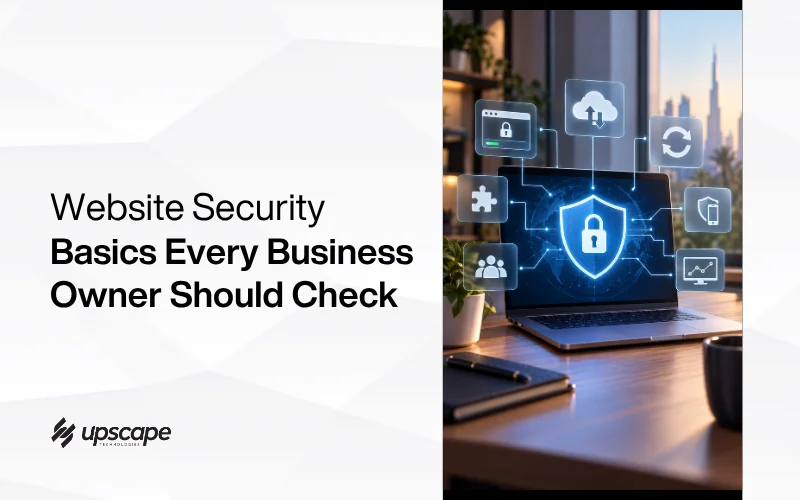

Website security sounds like a technical subject best left to developers, and most of it genuinely is. The basics, the part that actually determines whether your website gets compromised, are not technical at all. They are a short list of habits, and most small business websites are missing at least two or three of them.
Here is the actual checklist, explained plainly, along with the one statistic that should change where you focus your attention.
The Number Worth Actually Sitting With
It Is Rarely WordPress Itself
Patchstack’s State of WordPress Security whitepaper found 11,334 new vulnerabilities across the WordPress ecosystem in 2025, a 42 percent increase over 2024. That number alone sounds alarming, and the more useful detail is where those vulnerabilities actually live.
91 percent were found in plugins, with the remaining 9 percent in themes. WordPress core itself is not where the real exposure sits. It is the plugin installed years ago, doing something small and useful, that nobody has updated since.
Why This Should Change Your Priorities
If your website security effort is focused on WordPress itself rather than the plugins running on top of it, the effort is aimed at the wrong target. The actual weak point, for the overwhelming majority of sites, is exactly the software most owners forget even exists on their site.
SSL: The One Most Businesses Already Have Without Knowing It
What It Actually Does
An SSL certificate encrypts data moving between your website and its visitors, and it is also what puts the padlock icon and https in a browser’s address bar. Beyond the technical function, it has become a basic trust signal that visitors, often without realising it consciously, expect to see.
Usually Free Already
Most modern hosting providers include a free SSL certificate as standard, commonly through Let’s Encrypt. A website without one in 2026 is typically an oversight rather than a genuine cost decision, and it is worth checking directly rather than assuming it is already in place.
Updates: Applied Regularly, Not Eventually
This Is Where the Real Risk Concentrates
Given that the large majority of vulnerabilities live in plugins specifically, keeping plugins and themes updated is not a minor maintenance task, it is the single habit most directly tied to whether a known vulnerability sits open on your site or gets closed before it is exploited.
Back Up Before Updating
Updates occasionally break something on a live site, which is precisely why a backup taken immediately before applying updates matters. This turns a rare bad update from a crisis into something reversible within minutes.
Backups: Your Actual Safety Net
Store Them Somewhere Else
A backup stored only on the same server it is protecting defeats much of its purpose, since whatever compromised or damaged the site could take the backup down with it. Backups genuinely worth relying on live somewhere separate, whether that is your hosting provider’s offsite backup service or a dedicated backup solution.
On an Actual Schedule
A backup taken once, years ago, at launch, is not a safety net for a website that has changed considerably since. Regular, scheduled backups, matched to how often your content genuinely changes, are what actually protect you when something goes wrong.
Two-Factor Authentication on Admin Access
A Password Alone Is No Longer Enough
The data makes the case bluntly. Weak or stolen passwords are a contributing factor in 81 percent of hacked WordPress sites, which makes this single control more valuable than most of the security plugins people install instead.
Two-factor authentication requires a second form of verification beyond a password to log in, typically a code sent to a phone or generated by an authenticator app. Even if a password is discovered or guessed, this second layer stops it from being enough on its own to gain access.
This Is a Genuinely Small Effort for a Real Improvement
Enabling this on admin accounts takes minutes and meaningfully reduces the risk of unauthorised access, which makes it one of the highest-value, lowest-effort items on this entire list.
Access Control: Not Everyone Needs Full Admin Rights
Every Unnecessary Admin Account Is an Extra Door
Not everyone who touches the website content genuinely needs full administrator access. Giving each person only the access level their actual role requires, and removing accounts nobody uses anymore, directly reduces the number of ways an attacker could get in.
This Gets Neglected as Teams Change
Access review has an obvious overlap with a question most owners have never actually answered: who holds the keys to the site at all. If a former developer or agency still has an admin account, that is both a security question and an ownership one, and our diagnostic checklist for a website quietly losing you business is a reasonable place to start on the wider audit.
Former employees or old agency contacts retaining admin access long after they stopped needing it is a common, quietly dangerous gap. A periodic review of who actually has access, and why, closes this before it becomes a real problem.
Monitoring: Catching Something Early
The Difference Between an Afternoon Fix and a Real Crisis
Website monitoring tools can flag unusual activity, unexpected downtime, or suspicious login attempts, often before a customer ever notices anything is wrong. Early detection is frequently the difference between quietly fixing something and dealing with a genuine, visible incident.
The Bottom Line
None of this requires a security background or a large budget. It requires someone actually doing it, on a real schedule, rather than assuming a hosting provider or the developer who built the site years ago is quietly handling it forever in the background.
Check for SSL, update plugins regularly, back up properly and store copies elsewhere, enable two-factor authentication, review who has admin access, and set up basic monitoring. Most of this is genuinely a single afternoon of work.
If you are not confident your website is covered on these basics, our website design team in Dubai can run through this checklist properly and tell you exactly where the gaps are.
WhatsApp Hameed for a quick question, or call +971 56 544 6241 for a free consultation.
The plugin nobody remembers installing is usually the one doing the most damage when it finally gets exploited.